 How-to
How to Choose a Commercial Printer: A Practical Guide
Last Updated: November 17, 2026
Quick Summary
To choose a commercial printer, pull three months of print logs and match your average monthly page count to a device rated comfortably above it, using average pages times 1.5 as your target duty cycle. Compare laser, inkjet, and large format options, then weigh total cost of ownership, not sticker price.
- Count pages rather than jobs, and treat your peak month as the hard floor.
- Anything under 2,000 pages monthly usually suits a workgroup device, not a departmental one.
- Cost per page is the single most useful comparison metric between vendors.
- A tray holding a full ream means fewer interruptions, and duplex printing cuts paper use roughly in half.
- Look for badge or PIN release and encrypted storage to protect jobs waiting in the queue.
Table of Contents
- Match Print Volume and Duty Cycle to Your Actual Workload
- Compare Laser Printers, Inkjet Printers, and Large Format Printing Services
- Break Down Commercial Printing Cost Factors Before You Sign
- Paper Handling, Finishing Options, and Multi-Function Capabilities
- Network Connectivity, Cloud Integration, and Security Protocols
- Custom Signage ROI for Small Business: When Print Pays for Itself
- Request a Quote for Large Format Branding From Pearl Wrapz
- Frequently Asked Questions
Match Print Volume and Duty Cycle to Your Actual Workload
Choosing a commercial printer starts with one question most buyers skip: how much will you actually print each month? The answer determines everything else. A commercial printer is a business-grade machine built for sustained output, and its monthly duty cycle, the maximum volume the manufacturer rates it to handle, sets the ceiling on what it can do without breaking down.
Pull three months of print logs before you shop. Count pages, not jobs. Then match that number to a device rated comfortably above it, not right at it. A common mistake is buying for today's volume and hitting the ceiling in six months. The fix is simple:
- Average monthly pages × 1.5 = your target duty cycle
- Peak month pages = your hard floor
- Anything under 2,000 pages monthly usually suits a workgroup device, not a departmental one
Print speed matters here too. Pages per minute, or ppm, tells you how fast jobs clear the queue. A busy front office with shared devices feels every second of a slow machine.
Watch out: a duty cycle is a maximum, not a target. Running a printer near its rated ceiling every month shortens its life and voids coverage on many service plans.
Compare Laser Printers, Inkjet Printers, and Large Format Printing Services
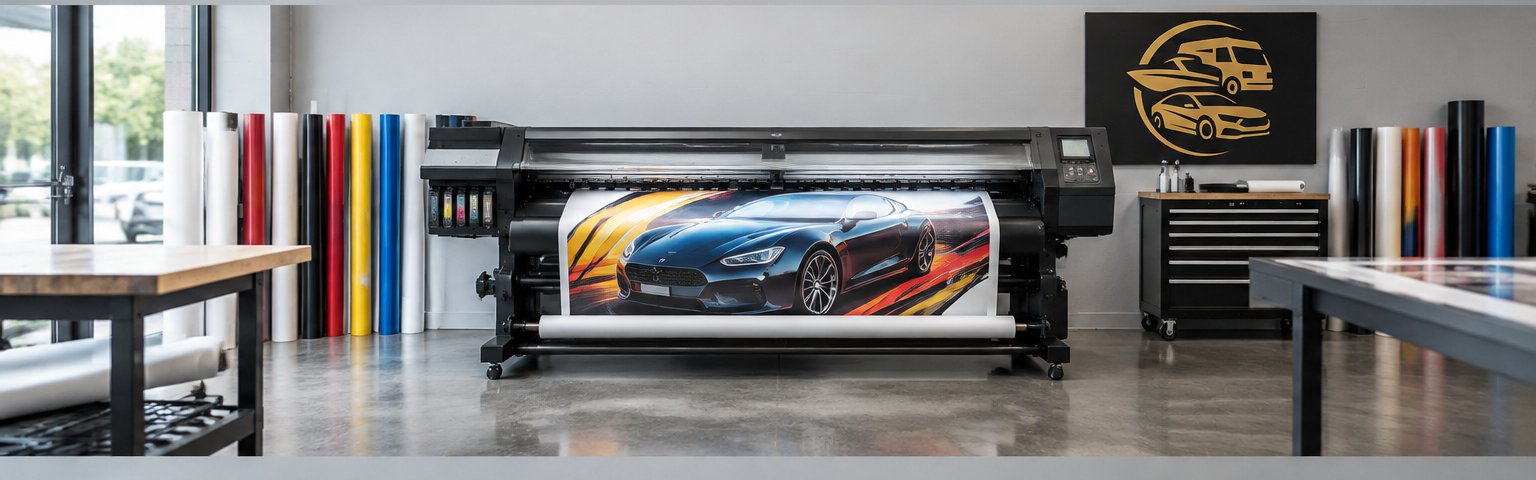
Laser printers win on speed and cost per page for high-volume text. Inkjet printers handle color and photo work better at lower upfront cost. Large format printing services cover what desktop machines cannot: banners, window graphics, wall murals, and floor decals. For a deeper look at costs, materials, and file requirements, see our complete guide.
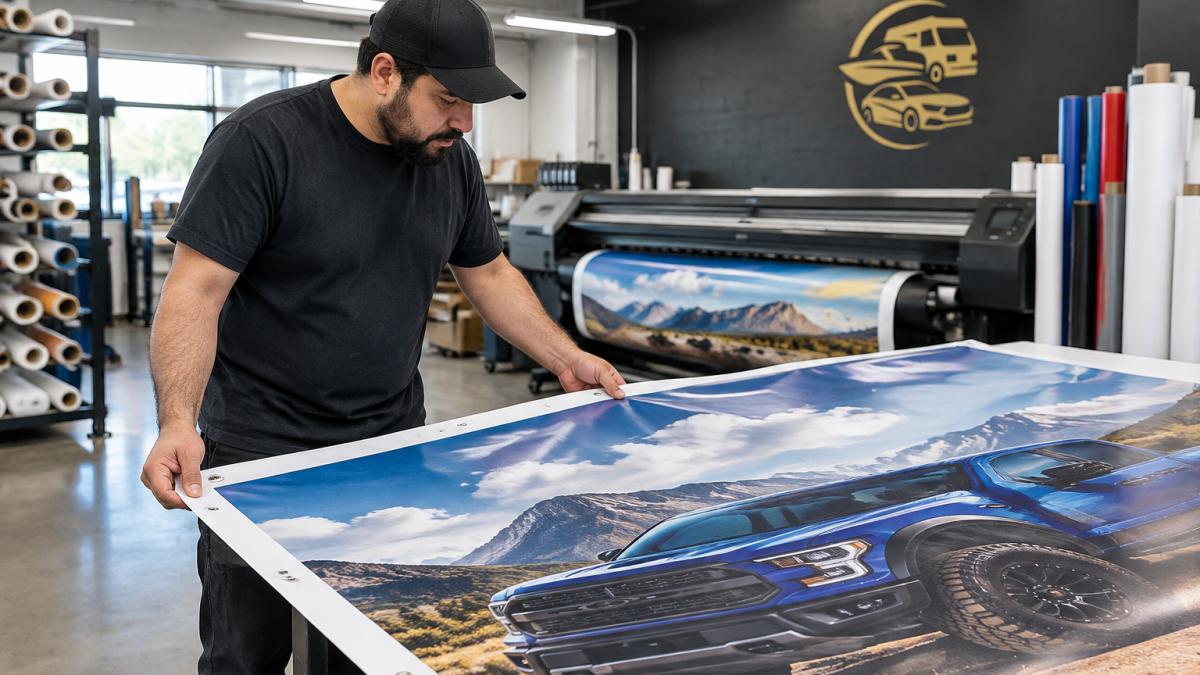
The split comes down to what you print. Laser toner cartridges deliver a higher page yield on plain documents. Inkjet suits mixed color output in smaller batches. Large format work goes to a service provider because the equipment and installation are a different trade entirely.
| Printer Type | Best For | Strength | Limitation |
|---|---|---|---|
| Laser | High-volume text, contracts | Fast ppm, low cost per page | Weaker photo color |
| Inkjet | Color documents, small runs | Rich color, low entry cost | Slower on volume |
| Large format service | Banners, window and floor graphics | Size and material range | Outsourced, needs lead time |
If your output includes storefront or fleet graphics, Pearl Wrapz can help with those graphics.
Break Down Commercial Printing Cost Factors Before You Sign
The sticker price is the least useful number in the deal. Total cost of ownership, the full cost of hardware, consumables, service, and downtime over the machine's life, is what actually hits your budget.
Here is how to build the number yourself:
- Hardware: purchase price or lease payment, plus delivery and setup
- Consumables: toner and ink cost per page, not per cartridge. Divide cartridge price by rated page yield, then adjust upward for real-world coverage
- Service: coverage terms, response time, and what counts as a billable call
- Downtime: what a dead printer costs your team per day in idle labor and missed deadlines
- Finishing: staples, folding, and binding add-ons, including the consumables they burn
Cost per page is the single most useful comparison metric. Ask each vendor for the yield figure on the cartridges the device actually uses, then calculate cost per page for both monochrome and color. A device that looks cheap upfront often carries a higher color cost per page, and color is where most offices overspend without noticing.
Leasing versus buying comes down to cash flow and refresh cycle. Leasing agreements spread cost and bundle service, which suits offices that refresh hardware every few years and want predictable monthly spend. Buying makes sense when you plan to keep the device well past its warranty and your volume is stable. Run both scenarios over the same term and include the service contract in each, because a lease that bundles service and a purchase that does not are not comparable numbers. Determining the right financial structure is only the first step, as you must also carefully choose an office copier that aligns with your specific operational demands and print volume requirements.
Service level agreements deserve their own review. A commercial printer is a production asset, and the SLA is what keeps it producing. Read four terms closely: response time (how fast a technician arrives versus how fast the issue is resolved), coverage hours (business hours only or around the clock), consumables included or excluded, and whether the agreement covers parts and labor or just labor. A common pattern is a low monthly fee with a per-incident charge that only shows up after the first breakdown. Ask for the average response time on the specific model you are considering, not the company-wide average.
Our guide to storefront window branding cost walks through what shapes a graphics quote.
Paper Handling, Finishing Options, and Multi-Function Capabilities
A multi-function printer that prints, scans, copies, and faxes replaces three devices and one maintenance headache. Paper capacity matters just as much: a tray that holds a full ream means fewer interruptions, and duplex printing cuts paper use roughly in half on two-sided documents.
Finishing options separate a basic device from a production-ready one. Stapling, hole punching, and folding save staff time on every bound report. Check the maximum paper size and weight the trays accept before you commit, because heavy cardstock jams cheap feeders fast.
Watch out: oversized finishing units need floor space and power. Measure the footprint and confirm the circuit before delivery day.
Network Connectivity, Cloud Integration, and Security Protocols
Connectivity decides whether the printer helps or hinders your workflow. Ethernet gives the most stable connection for shared office use and should be the default for any device handling volume. Wireless printing adds flexibility for laptops and mobile devices, but it needs proper security protocols to stay safe.
Cloud integration is the deciding factor for modern offices. Staff expect to print and scan directly to shared folders without a manual download-and-reupload step. Ask whether the device supports direct scanning to cloud document management platforms such as SharePoint or Google Drive, and whether that connection is native or requires a connector license. Native support removes a server from the equation; a connector adds a line item to the budget and a dependency to the IT ticket queue. Confirm the device can authenticate users against your existing directory, so permissions follow the person rather than the printer.
Mobile and remote printing security is where hybrid work creates risk. A print job sent from a phone or a home laptop travels over a network and sits in a queue until someone releases it. If the queue is open, anyone who walks past the device can pick up a client contract. Look for badge release or PIN release, which holds the job until the authorized user is physically at the machine, and encrypted storage for jobs waiting in the queue. Ask how long stored jobs persist and who can clear the job history, because retained print data is a records-management issue as much as a security one.
User authentication, badge release, and encrypted storage protect sensitive documents sitting in the queue. For teams coordinating installation across sites, our installation partner support covers how client-supplied graphics and files move through a project.
Watch out: a printer that supports wireless and mobile printing out of the box often ships with permissive default settings. Confirm the defaults are locked down before the device goes on the network, not after.
Custom Signage ROI for Small Business: When Print Pays for Itself
Custom signage ROI for small business comes down to cost per impression. A vehicle wrap or storefront graphic sits in front of your audience every day, and it keeps working long after a digital ad budget runs out.
A branded wall or window can reach customers who walk past it, without a per-click charge.
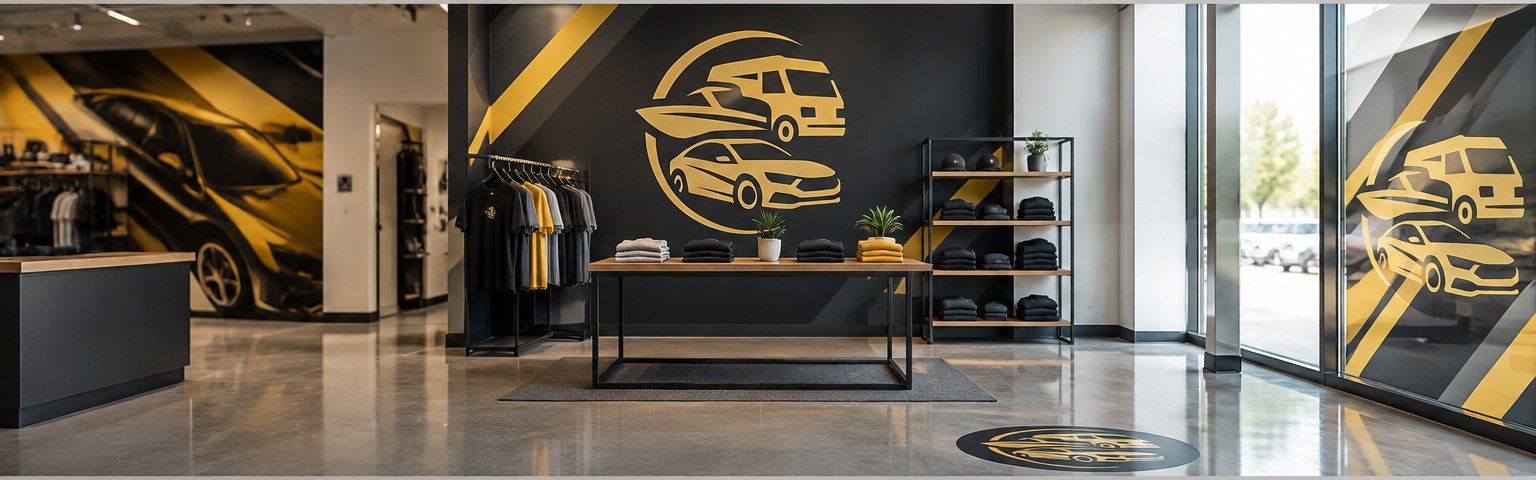
Pearl Wrapz offers wall murals, storefront, and floor graphics services.
Request a Quote for Large Format Branding From Pearl Wrapz
The printer on your desk handles documents. The graphics on your walls, windows, floors, and vehicles handle your brand, and they need a different kind of partner.
If your plan includes large format branding, Pearl Wrapz can take it from concept to installation. Pearl Wrapz serves North Texas and southern Oklahoma with custom vehicle wraps, wall murals, storefront window graphics, and floor decals.
Get started with Pearl Wrapz to turn your space into branding that works. See what we do and where we work, then request a quote for your project.
Your competitors are already visible on the road and on the street. If your surfaces are still blank, that is lost exposure every single day. Pearl Wrapz brings full-service design, production, and professional installation together, with tailored solutions for walls, windows, floors, and fleets. Get started with Pearl Wrapz and make your business impossible to overlook.
Frequently Asked Questions
What is the difference between a commercial printer and an office printer?
An office printer handles everyday documents at low volume, while a commercial printer is built for higher monthly duty cycles, larger paper capacity, and finishing options like stapling or folding. Commercial units also add security protocols, user authentication, and network connectivity for shared use. If your team prints thousands of pages monthly or needs large format printing services for signage, an office-grade machine will bottleneck your workflow.
What factors should I consider when choosing a commercial printing partner?
Look at print volume, resolution, total cost of ownership, and service level agreements. Ask about consumables pricing, maintenance response times, and whether the partner handles installation. For branding work like vehicle wraps or window graphics, confirm they manage design through installation rather than handing you files. Pearl Wrapz offers full-service branding from concept to installation for businesses in North Texas and southern Oklahoma.
How does print quality impact the ROI of physical branding?
Resolution and color accuracy decide whether a sign reads clearly at speed or turns into a blur. Faded or peeling graphics undercut the brand impression you paid for, which is why custom signage ROI for small business depends on durable materials and correct installation. A sharp, well-placed storefront graphic makes a stronger impression than one that looks blurred or poorly placed.
How do I determine if I need a commercial printer for my marketing materials?
Start with monthly print volume and page yield needs. If you regularly exceed a few thousand pages, a commercial-grade solution fits better than a desktop unit. Also weigh commercial printing cost factors like toner cartridges and leasing agreements against the value of consistent, professional output for your brand.